Operator guide
AI OFM on Fanvue, from fanv.ai
Updated 25 Sep 2026 · about 8 min · Print to save a PDF
Fanvue is where she gets paid. Instagram and TikTok are how people find her. fanv.ai is the studio in between: one adult woman, the same face every time, then the photos, reels, and private sets you actually sell.
Do these steps in order. If you skip the lock, every post is a different person.
- 1. Niche
- 2. Lock
- 3. Photos
- 4. Clone
- 5. Socials
- 6. Fanvue PPV
1. Write her before you generate
One niche. Gym, or the city, or the hotel between sets — not all three lives at once. Write a short sheet first. The builder will still run if you skip it. You will just fight yourself later in wardrobe and captions.
She is an adult. Put 21 or older on the sheet. Never a minor, never a real person’s face you do not have permission to use.
Example sheet — Miami, gym and hotel
- Look
- 24. Long dark hair, green eyes, athletic, no tattoos, warm skin.
- How she is
- Short texts. Dry humor. Flirty, never begging. Alone on camera.
- Lanes
- Gym mirror. Hotel morning. Pool. Same clothes palette: black, warm white, one gold hoop.
- Money
- Free teasers on Instagram and TikTok. Subscribers and PPV on Fanvue.
- Never
- Logos, extra faces, “link in the comments”, topics she would not say out loud.
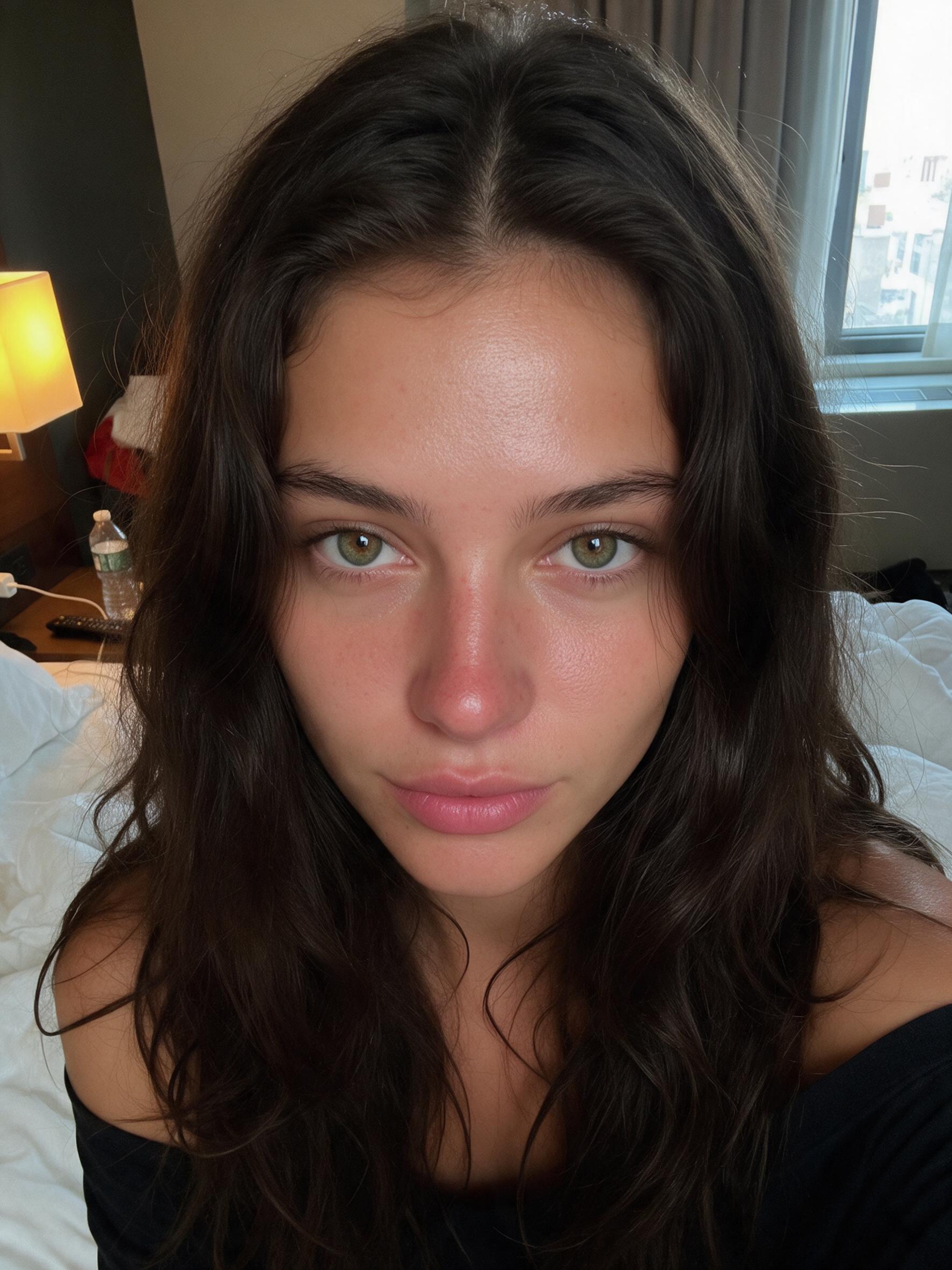
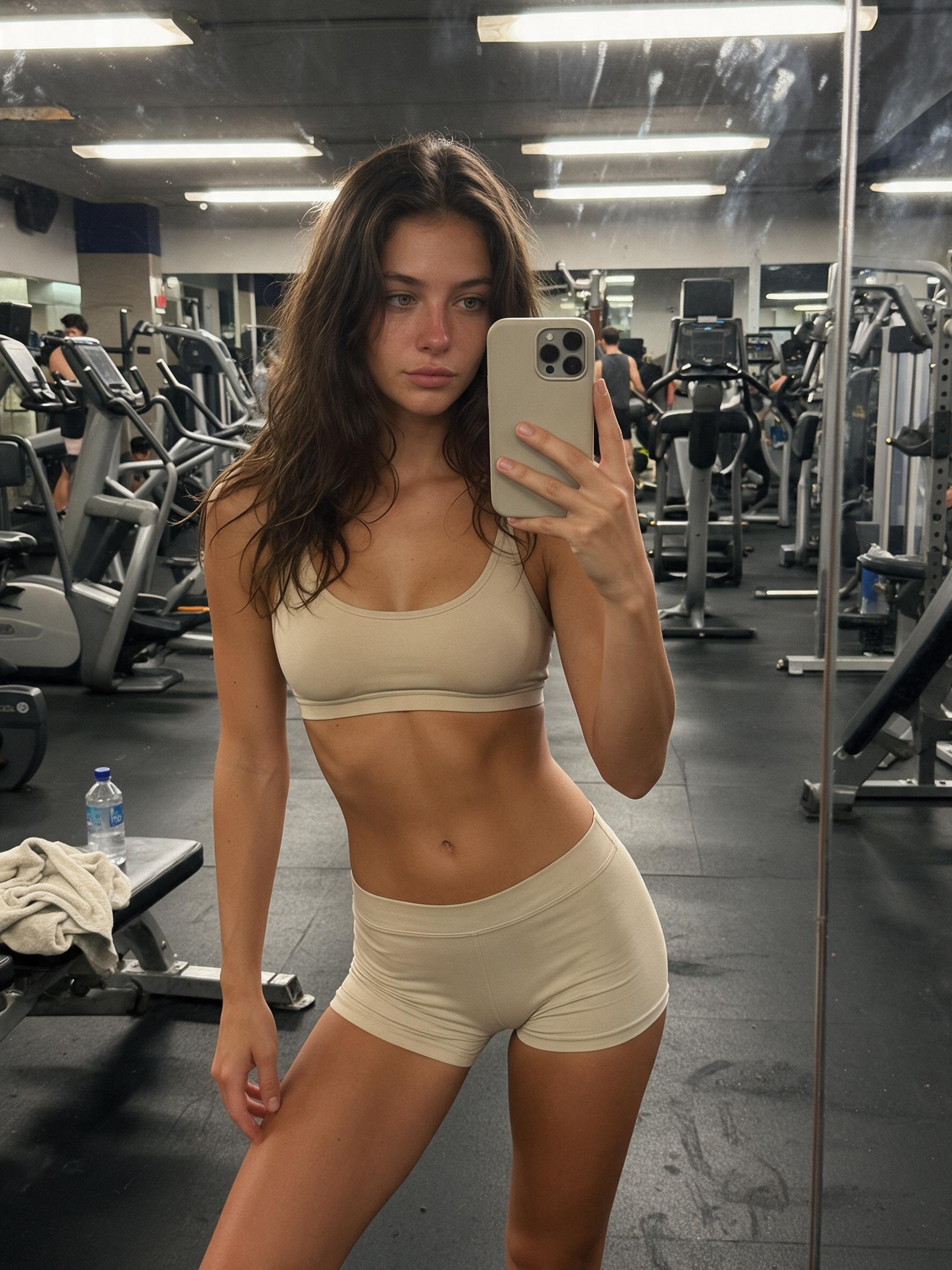
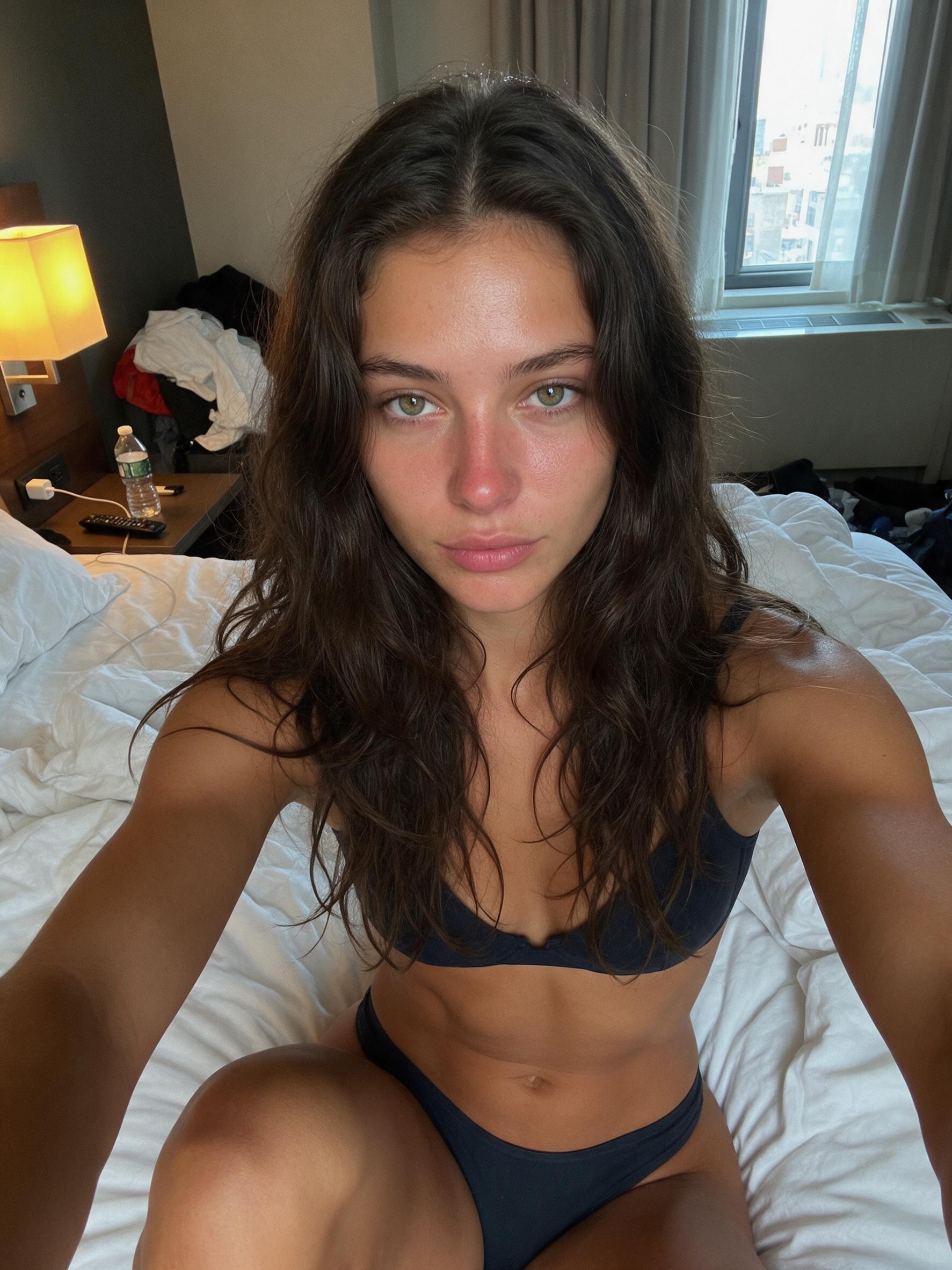
One identity, two rooms. The face does not change when the set does.
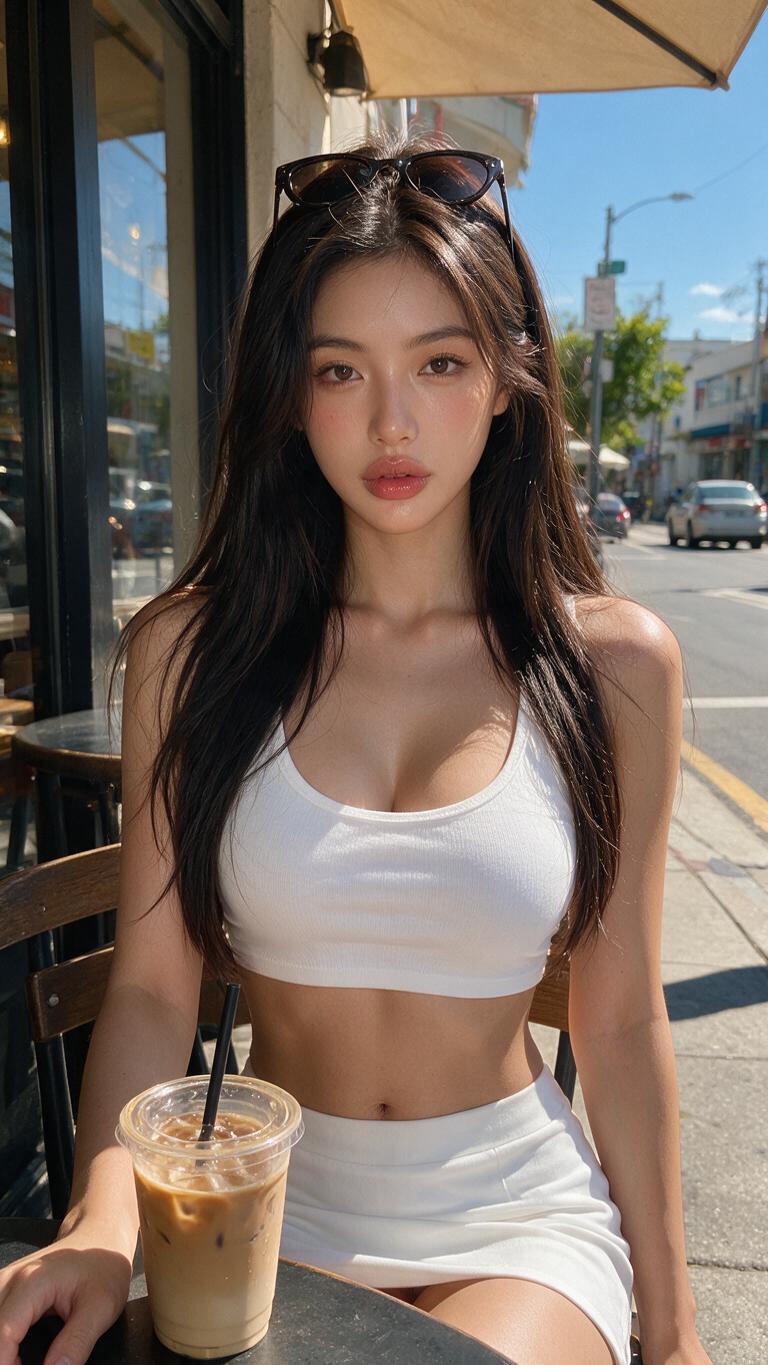
A different niche is a different model
The café girl is not a Tuesday outfit for the gym account. New city, new face, new Character Bible — or the grid looks like a casting call.
2. Design her and lock the identity
Models → New model
Start designing. Pick the face, then the body, then the back. If a photo is close but wrong, refine it in the prompt — narrower waist, softer smile — and generate again. When it is her, confirm.
Assembling the genome takes about 1–3 minutes. That pass freezes face, body, and marks so the next photo is not a cousin.
- My models → open her profile. Key photos are Face, Full body, and Back. Those three are the lock. They save on their own.
- Digital DNA → Write Digital DNA. The sheet is written from those three photos and reused on every generation.
- Character Bible: camera name, city, who she is, tease (soft, flirty, or hot), how she talks, content lanes, Instagram CTA, TikTok CTA. Draft with Grok if your notes are already specific.
- Voice only if she will talk on camera. Describe it in English, listen, then accept. Avatar needs this.
Already have photos you are allowed to use? Models → Upload model. Face looking at camera, full body, and back. Extra shots go to her gallery. Five different scenes have to read as the same woman before you post in volume.
3. Shoot the feed
Create → Images
Pick her. Describe one scene from one lane: “hotel bed, morning window, navy set, phone selfie, nobody else in frame.” The button shows the credit cost before you confirm.
Everyday clothes and sportswear belong here. Bikini and explicit prompts get blocked on these engines. That work is NSFW Studio, later.
Need ten shots of one idea? Create → Dataset. Pick Studio, Lifestyle, Swim, or Boudoir, check the ten prompts, then generate. The pack also lands in Library → Datasets.
4. Turn a still into a clip
Create → Video
Start from a still you already like (Frame) or from her photos (Refs). One action. Enhance the prompt before you generate — a raw sentence looks flat.
Create → Avatar is the talking-to-camera clip. She needs the voice you saved. Design or upload the first frame, write the line, then generate. It bills about 1 credit per second.
5. Clone a reel that already works
Create → Clone reel
Paste an Instagram reel or TikTok URL, or drop the MP4. Clone formats that already get views in her niche. Do not invent a dance from a blank prompt if a reel in that lane is already winning.
- Motion Transfer — fast. The reel’s motion moves onto her.
- Character replacement — she is in that reel: same scene, same motion, her identity. Up to 15 seconds. Face, Full body, and Back have to be locked first.
- Clone carousel — paste an Instagram /p/ post. Slides with no person stay as they are.
- Spoofer — only if you must repost the same clip and do not want Instagram to treat it as a repeat. One credit per copy.
6. NSFW stays in the studio
NSFW → Photos
This is 18+ and sits on the Creator plan, behind the age check. It uses the same identity as the gym mirror, so the free teaser and the paid set are the same woman.
- Set nude keys first: Front, Back, and Close-up. They are generated from her locked photos.
- Photos, Videos, Edit, and Scripts (a Tease pack of 10 or a Hard pack of 12). Write the scene the way you would brief a shoot.
- Files land in Library under NSFW. Social publish will not take them. The grid stays dressed. The explicit set is what you sell.
Adults only. No minors. No real person who did not agree. On Fanvue, label the account as AI.
8. Connect Fanvue and sell the PPV
Socials → Fanvue
Click Connect. You log in on Fanvue, not here. The account shows up on its own row: vault, paid posts, and insights. It stays separate from Instagram and TikTok.
The free grid is the teaser. You sell the Studio set on Fanvue as a paid post. Same face, different room, different price. Put that Fanvue link first on the link in bio.
A normal week
- MonEight to ten stills in one lane.
- TueClone two reels that already perform in the niche.
- WedOne carousel from a post in that lane.
- ThuSchedule the safe posts. Captions in her voice, from the Bible.
- Fri–SunUpload the Studio set to Fanvue as a paid post. The Instagram grid stays the teaser.
The first good photo is not the business. The business is the same woman, posted on a schedule, with the paid set one tap past the teaser. This is the order we run inside fanv.ai. It is not a promise that an account prints a number.
Build her, then run the week
Lock the identity first. Fanvue, Instagram, and TikTok when the face holds.
Create your model
7. Connect the networks and post the safe layer
Socials → Accounts
Connect Instagram, TikTok, YouTube, X, Threads, or Facebook, then link each account to this model. Open fanv.ai in Safari or Chrome. Instagram’s in-app browser cannot finish the connect.